
stratum
Why Stratum?
I love sandbox games, but I wanted something less overwhelming than Terraria for the kind of play I enjoy. I keep coming back to the feel of Minecraft Beta and earlier versions; that straightforward, exploratory sandbox loop. After spending a lot of time building for Minecraft Bedrock Marketplace, I also grew genuinely fond of how Bedrock structures add-ons and packs: clear, data-driven pieces you can reason about.
Stratum is my attempt to combine those threads: a multiplayer-first sandbox where modding is easy to understand (packs, manifests, workshop flow), set in a cozy 2D block world. It is a long-term project; there is still a ton I want to do, and it is far from finished, but it is the game I most want to exist.
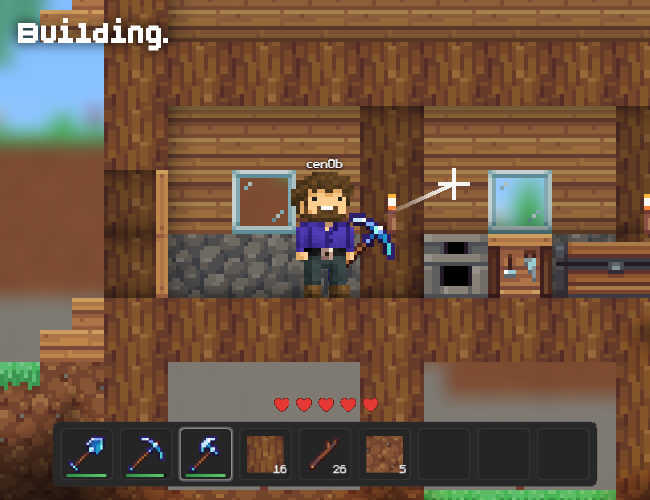
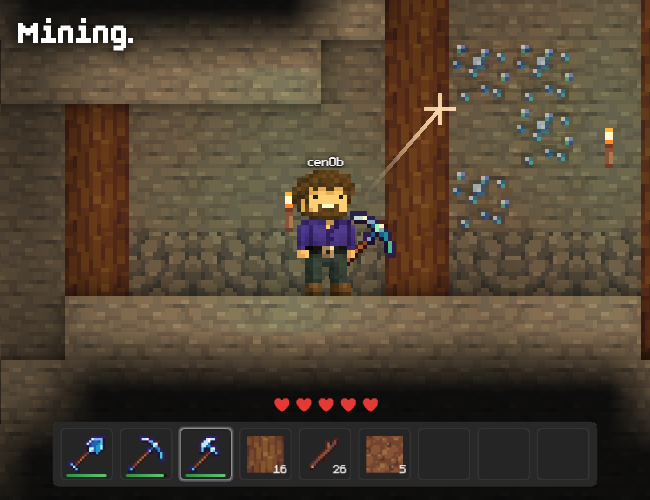
Stratum is a side-view 2D sandbox inspired by classic block-world games. Worlds are generated in chunks from a seed and saved locally in your browser. Dig through stone and ores, place blocks (including a background layer *press tab!*), grow your hotbar, and use a crafting table with data-driven recipes.
Features (current build)
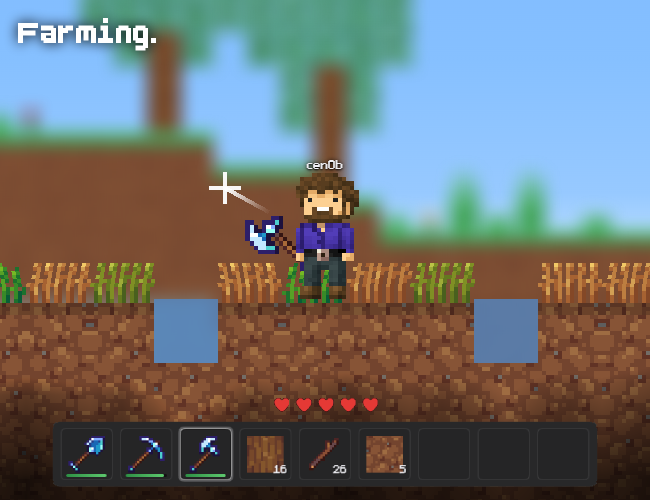
- Exploration and building in a procedural world (surface terrain, underground, fluids, vegetation, multiple tree types).
- Tools and mining with break times and drops driven by block/item definitions.
- Day/night cycle and lighting (including torches and sky light).
- Inventory, crafting, and UI (pause, settings including audio).
- Multiplayer: host or join with a room code; optional online room browser and private rooms when the game is configured with its relay backend. Chat and player labels in-session.
- Mods: load behavior and resource packs; in-game workshop to discover and install packs (publishing and social features require signing in when the workshop backend is available).
How to play
Use WASD / arrows to move, Space to jump, Shift to sprint, mouse to aim break/place, E for inventory, Tab to toggle foreground vs background editing, T for chat, Esc to pause.
Notes
- Early development (0.x): content and systems will evolve.
- Multiplayer and workshop depend on optional online configuration; single-player and local saves work offline in the browser.
- Best in a modern desktop browser with JavaScript enabled.
- I'm looking for someone to animate a character, I have a design done; hopefully we can ditch the silly cube!
Join the Discord: https://discord.gg/wBDA9c7DKk
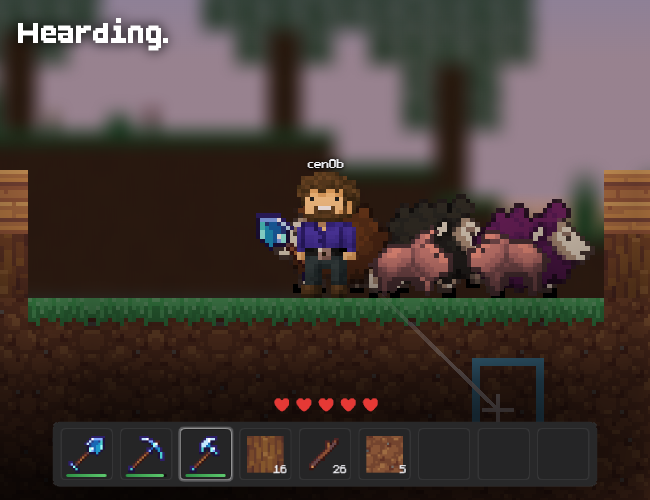
Alpha 0.3.1 adds new mobs (zombie, sheep, pig), sugarcane + sugar/paper, bed spawns, world export/import (and Workshop world sharing), /summon, plus Workshop templates + developer mode.
Comments
Log in with itch.io to leave a comment.
Made a house :3
Quite a cute little game :D My biggest difficulty was that the crosshair was REALLY skewed away from the mouse, it was way lower right than my mouse was which made coordination a bit tricky >.< (For reference I'm on a macbook on chrome, if that makes any difference?) Also idk if I'm just bad at remembering which hotkeys are which but I often had to hit a bunch of numbers before getting the right slot- perhaps having them labelled with numbers would help?
Are the recipes that show up all of the ones in the game? I'm curious if there's more content that I didn't realise was there as "data-driven recipes" makes it sound like it's maybe based off what you have, but I could see tool recipes with resources I hadn't gotten yet so I'm not sure :0
Either way I did enjoy this, I think it's really nice visually as well :D
thanks! :D
the crosshair offset is a known one, it's a coordinate space mismatch between the canvas and the DOM overlay - should be fixable, just haven't gotten to it yet. good to know it's noticeable on mac/chrome specifically
hotbar numbers are a fair point, adding labels is a small change and probably overdue, I know its tricky on a trackpad but you can scroll to switch items; works better on the actual game site rather than itch though!
the recipe list shows everything in the game right now, not filtered by inventory. "data-driven" just means they're defined in json files rather than hardcoded, so mods can add new ones - doesn't affect what's visible. there's not a ton of content yet honestly, still pretty early :p
glad you liked it though!